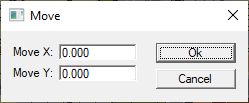
Using Values of X and Y Translation
Move An Object Using Fixed or Specified amounts of X and Y Translation.
A pop-up menu with additional menu items allows you to Move the selected object(s) through through any amount you specify.
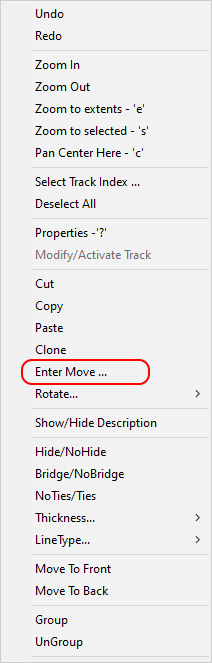
The Move command is executed as follows;
Select the object(s) to be moved.
Shift+Right-Click to raise the Move/Rotate menu.
Any amount of precise transalation may be entered by Left-Clicking the Enter Move... menu item then entering a desired amount of translation in X and Y in the dialog window that appears.