Document

 Similar to text notes you can place a reference to a file on the layout.
After releasing the mouse button, the Document Editor dialog is displayed.
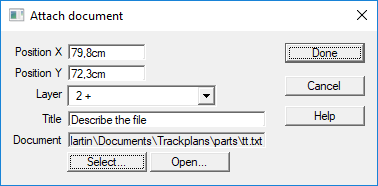
You can select the file and a enter a short description. When clicking on the Open button the file is opened with the default program for that file type.
When in Properties (Properties) mode, clicking on a Document Note will display the Property Sheet to let you read or modify the filename or the description.
Double clicking on a document reference icon opens the document in the default program.
