Text Note

 Click and drag on the Main Canvas (Main Window Overview) to place the note.
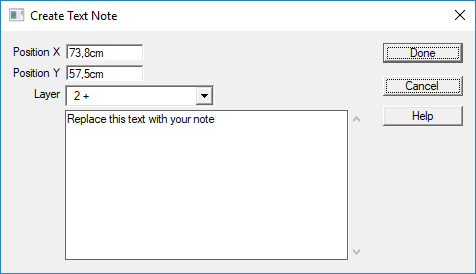
When you release, the Note Editor dialog is displayed. You can enter the note in the text area. Text is limited to about 10 thousand characters.
When in Properties (Properties) mode, clicking on a Note will display the Property Sheet to let you read or modify the note.
