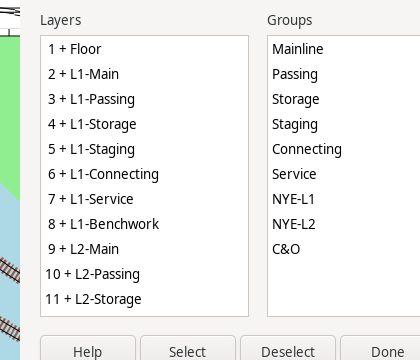
The Select Layers/Groups dialog selects or deselects all objects on any number of Layers (Layers Dialog) and/or Layer Groups (Layer Groups Dialog) at once.
The Layers list on the left and the Groups list on the right are independent; select any number of rows in either or both (click, or Ctrl/Shift+click for several). Selecting a Layer Group row does not select any individual Layer row – the Select/Deselect buttons act on the union of every selected Layer plus every current member of every selected Group directly, without changing either list's selected rows. This means the two buttons can be used in sequence to fine-tune a selection: for example, selecting a group and clicking Select, then separately selecting one of that group's Layers and clicking Deselect, selects every Layer in the group except that one.
An object cannot be selected if its Layer is frozen (see the Layers dialog, Layers Dialog); deselecting has no such restriction.
